Private browsing,
no tracking
Block ads and trackers, keep third-party cookies out, and hide every tab with one quick double-tap. No account, no analytics.
Private
by default
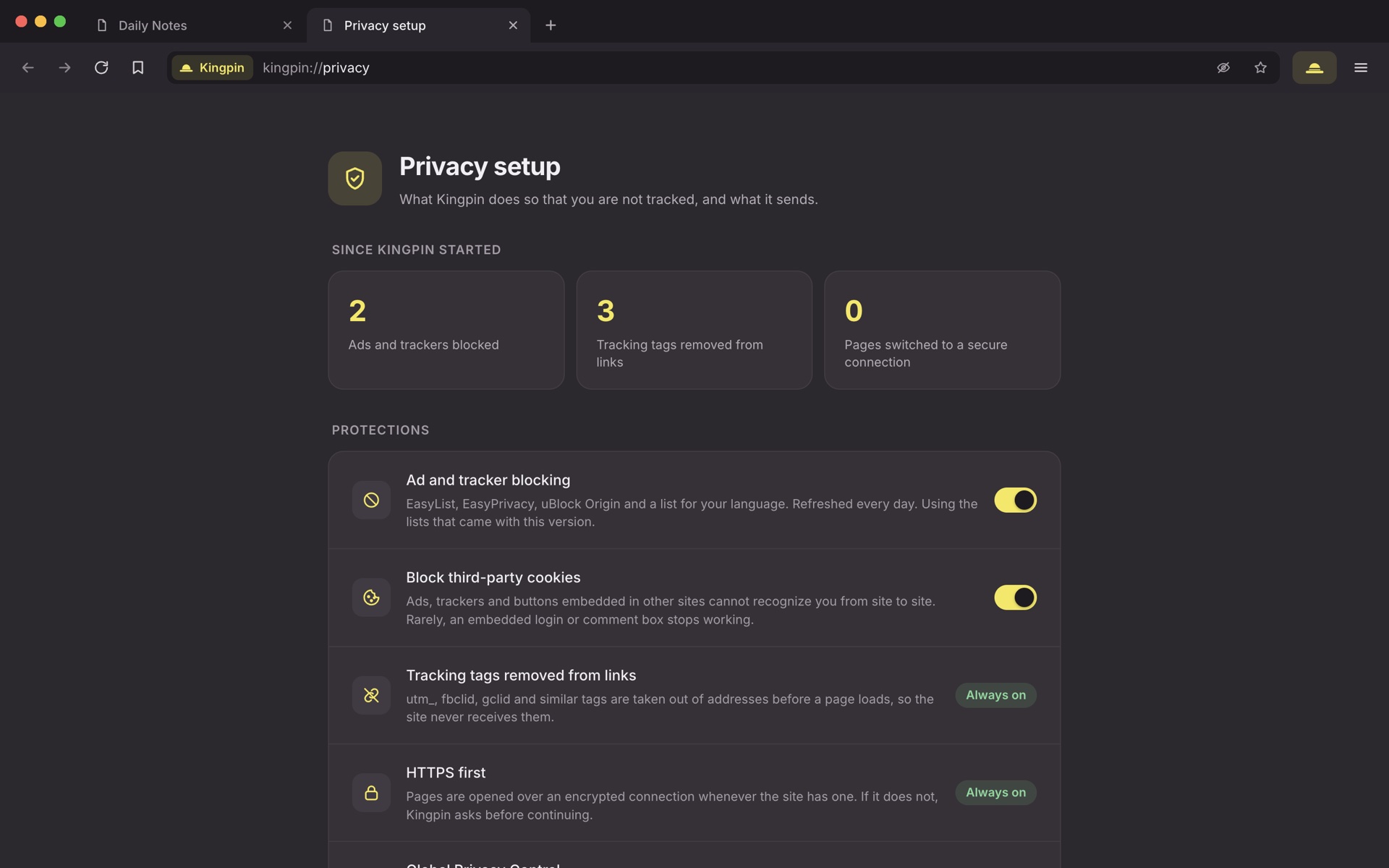
Kingpin blocks ads and trackers with the filter lists millions of people rely on (EasyList, EasyPrivacy, uBlock Origin), refreshed every day, plus a list for your language.
It keeps third-party cookies out, removes tracking tags such as utm_ and fbclid from links, opens sites over an encrypted connection first and tells every site not to sell your data. No account, no analytics, no crash reports: Kingpin does not know who you are.
The Kingpin
button
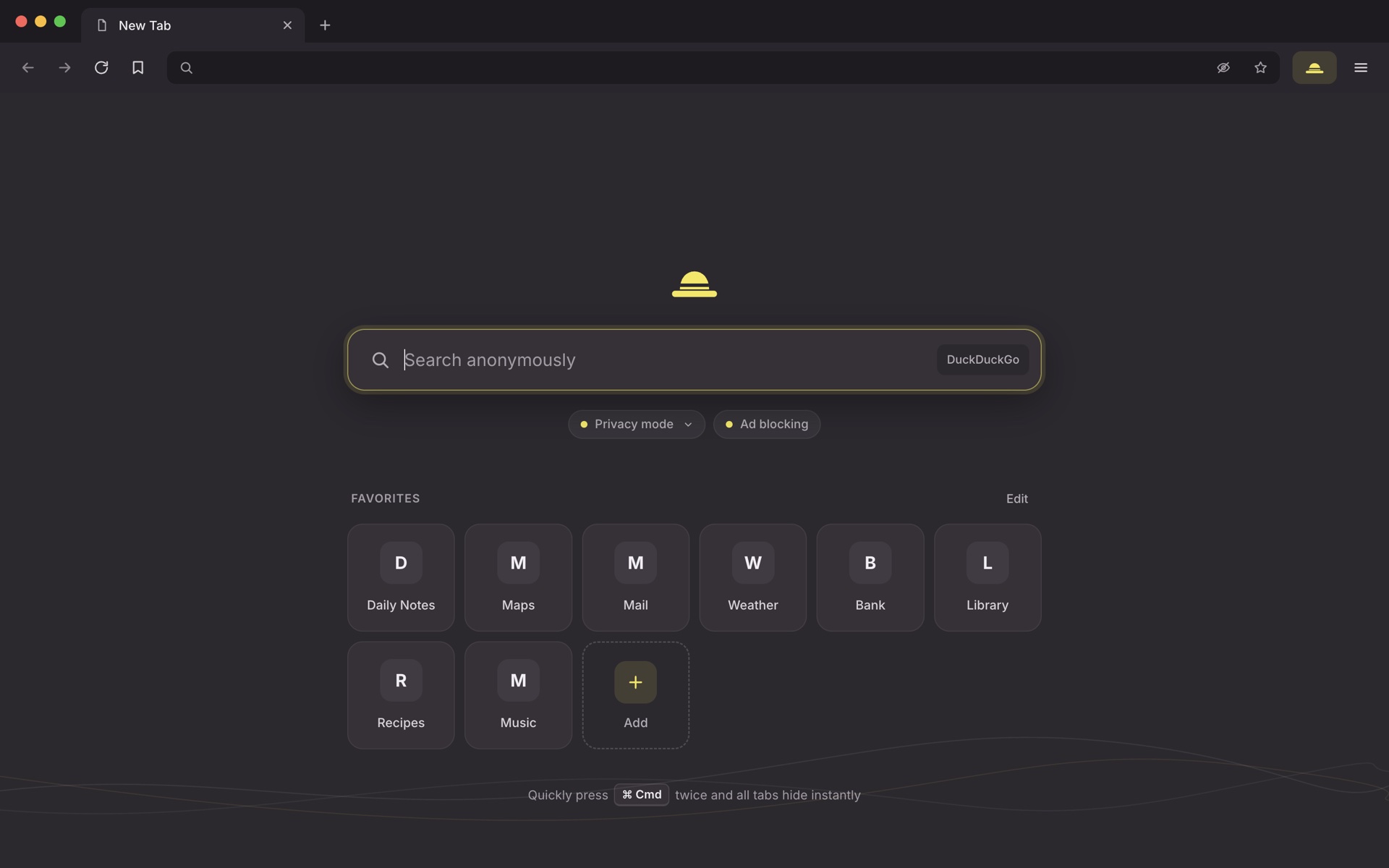
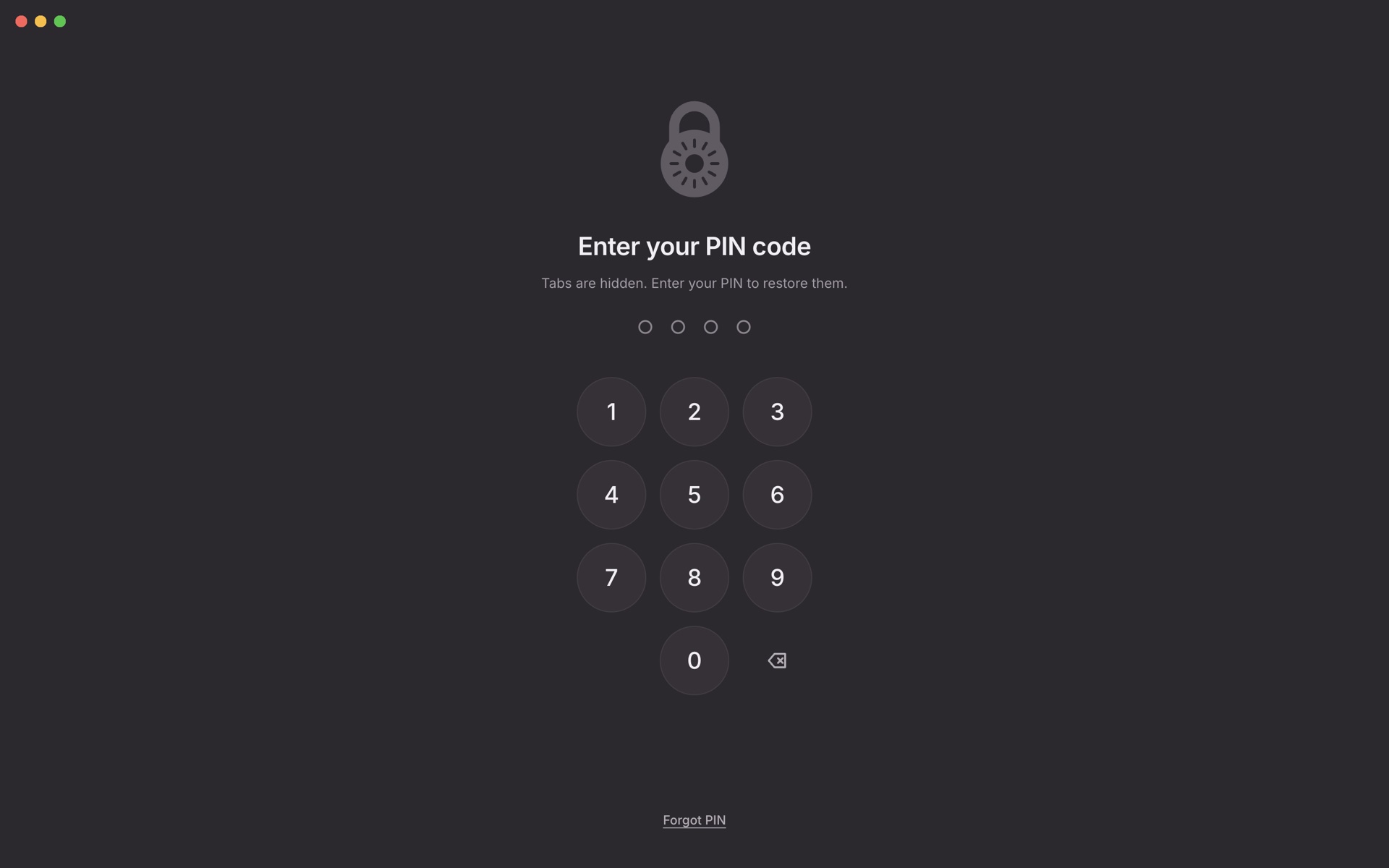
Double-tap a key or click the button and every tab disappears behind a page of your choice. Bring them back with your PIN or Touch ID.
The hidden tabs use their own session, so nobody looking at the screen can see what you were logged in to.
See what
is protected
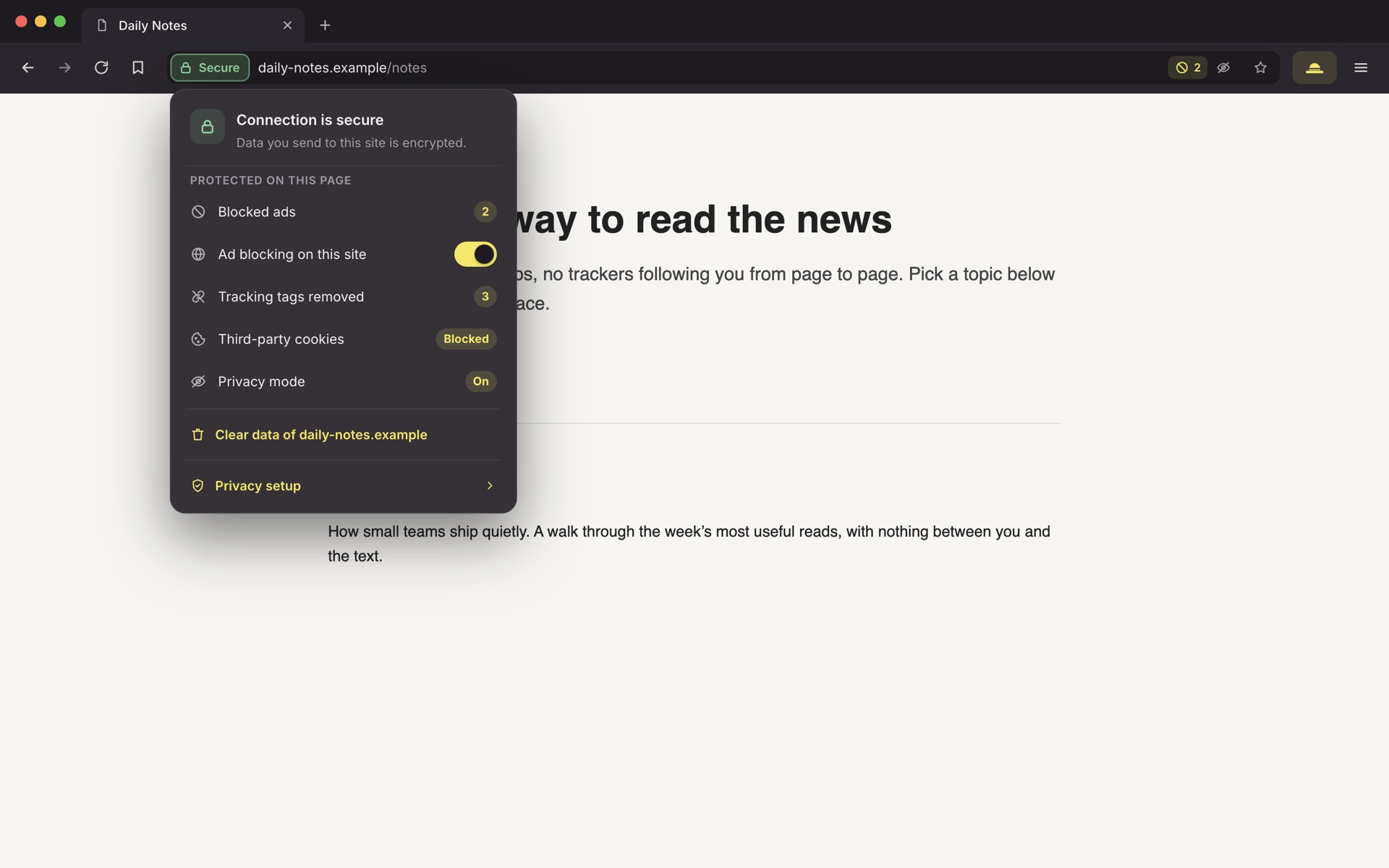
The shield in the address bar shows what was blocked on the current page. The Privacy setup page lists every protection, what Kingpin sends (only the filter lists, once a day) and what it cannot protect.
Cookies and site data never touch the disk. Choose what to keep after a restart and delete everything with one button.
Everyday browsing,
done well
Kingpin uses the same engine as Chrome and receives its security updates through App Store updates.
- Tabs you can sort by dragging and pin
- New-tab page with your favorites and optional search suggestions
- Suggestions from your bookmarks and history
- Bookmarks bar, find in page, zoom and print
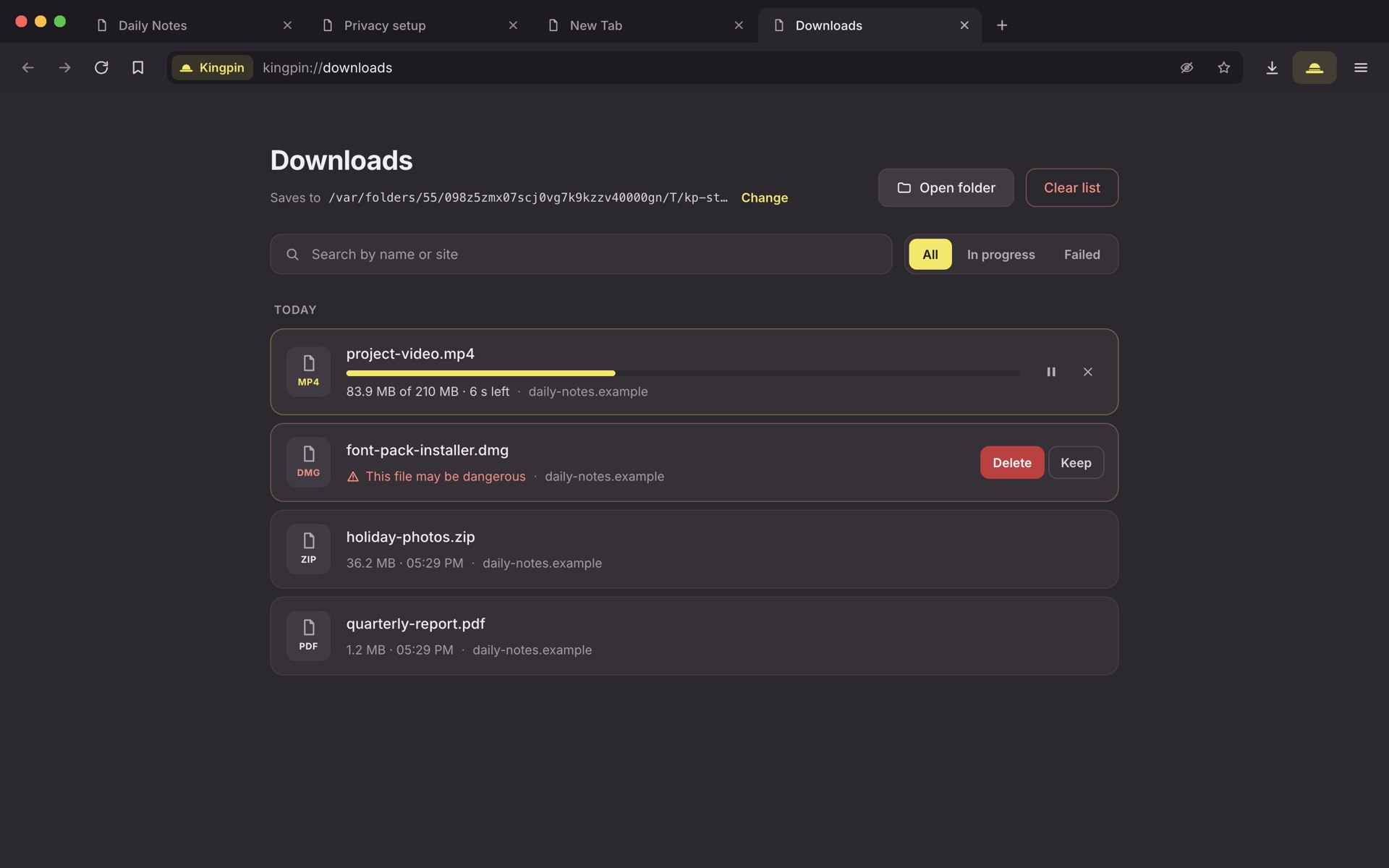
- Downloads page with pause and resume
- Warnings before opening programs you downloaded
- Hide Kingpin from screenshots and screen sharing
- 15 languages